

Coding Classes for Kids in Ahmedabad
TCIT Jr helps children learn coding through practice, projects and creativity.
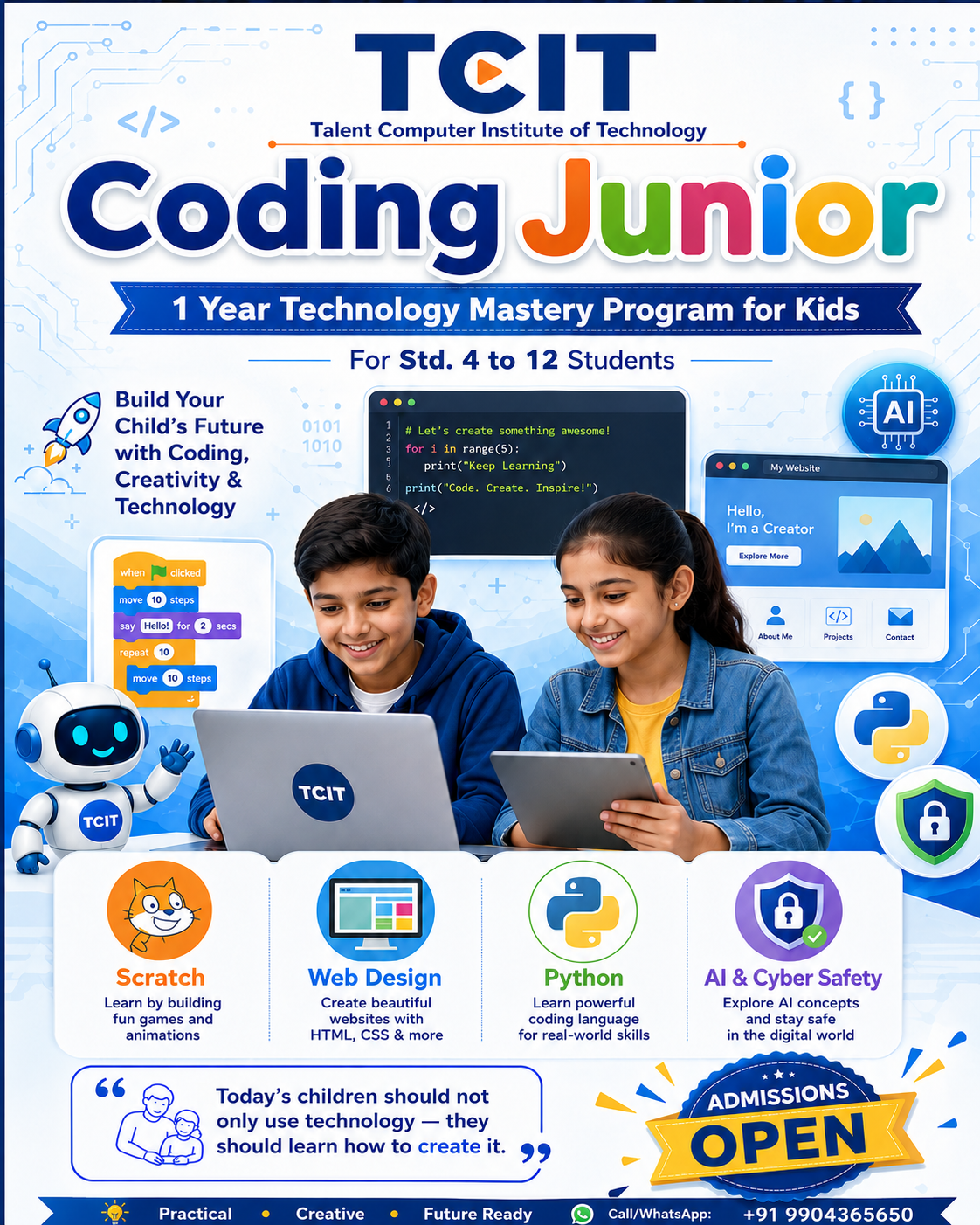
A practical coding program in Vastral, Ahmedabad for Std. 4 to 12 students. Children learn computer basics, Scratch, website design, Python, AI awareness and safe technology habits through guided classroom practice.
✔ Practical classroom training
✔ Clear progress after every module
✔ Portfolio and project-based learning
Std. 4–12
Learn → Practice → Build → Present
HTML
Python
Scratch
Weekly Practice
Project confidence grows step by step
Std. 4–12Age-friendly coding batches
ProjectsWebsites, games and Python programs
VastralClassroom learning in Ahmedabad
PortfolioVisible work after every stage
Scratch Games•HTML Websites•CSS Design•Python Logic•AI Awareness•Cyber Safety•Project Portfolio•
Scratch Games•HTML Websites•CSS Design•Python Logic•AI Awareness•Cyber Safety•Project Portfolio•
Why TCIT Jr
A practical coding course built for school students.
TCIT Jr focuses on clear fundamentals, regular practice and project-based learning so children can understand technology with confidence instead of only memorising theory.
Guided classroom learning
Students learn with mentor support, doubt solving and repeated practice.
Step-by-step foundation
The course starts from computer basics and moves gradually into coding logic.
Real project work
Children build games, websites and Python programs they can explain.
Safe technology habits
Students also learn internet safety, AI awareness and responsible digital use.
Kids Coding Classes in Vastral, Ahmedabad
Learn Scratch, web design, Python and AI basics at TCIT Jr.
TCIT Jr is a coding program for school students near Vastral, Ahmedabad. The course is suitable for beginners and helps children develop logical thinking, creativity, computer confidence and project-making skills.
Coding classes for kids
Python for school students
Scratch programming
Web design for kids
AI basics for students
Cyber safety awareness
Classroom Glimpses
Real learning moments from TCIT Jr classrooms.
These short clips share the classroom atmosphere, student participation and practical learning approach at TCIT Jr.
Student learning moment
A glimpse of students explaining concepts and sharing what they have learned.
Classroom confidence
Students practise, ask questions and become comfortable with technology.
Practical progress
Students move from guided practice to independent project work.
Real TCIT experience
A simple look at how learning happens inside the classroom.
Student Progress Journey
How students progress step by step at TCIT.
The program follows a simple path: first comfort with computers, then logic, then websites, Python programs, AI awareness and final portfolio projects.
01
Computer Confidence
File handling, typing, internet, Office basics and safe digital habits.
02
Logic with Scratch
Kids make games, animations and stories using visual blocks.
03
Website Creation
HTML, CSS and Bootstrap help students build real web pages.
04
Python Programs
Students code calculators, games, marksheets and mini systems.
05
Future Technology
AI tools, networking and cybersecurity make them aware and ready.
Scratch Project Demos
Games and animations created through visual coding practice.
Scratch helps younger students understand logic, events, loops, conditions and creativity before they move into text-based programming.
Beginner friendly coding
From blocks to working games
Students first learn how characters move, react and interact. Slowly they combine sprites, costumes, keyboard controls, scoring and game rules to create complete mini projects.
EventsMotionLoopsConditionsGame logicPresentation
Maze game practice
Robot Script
Basic commands, movement and step-by-step instruction flow.
Jumping Game
Keyboard control, timing and simple game response.
Costume Change
Sprite appearance, animation basics and creative expression.
Aliens Game
Game scenes, sprite interaction and project building confidence.
Car Game
Movement, control logic and practice with game rules.
Maze Game
Problem solving, path planning and conditions in action.
Real Student Work Showcase
Student work that shows real step-by-step improvement.
Students begin with simple exercises and gradually build websites, Python programs and portfolio-ready projects.
PythonBeginner to logic
Hello world, arithmetic, marksheet, loops, list, dictionary, random games and mini logic projects.
Web DesignHTML/CSS/Bootstrap
Students build product pages, login pages, business-style layouts and complete institute website projects.
PortfolioVisible progress
Each stage creates work that students can open, explain and improve.
From “Hello” to mini projects
Students begin with simple code and slowly move into conditions, loops, lists, dictionaries and games.
# Example progress path
print("Hello TCIT")
marks = int(input("Enter marks: "))
if marks >= 35:
    print("Pass")
else:
    print("Try again")
- Calculator and marksheet programs
- Loops, tables, factorial, vowel counter
- Dice game, lucky draw, stone-paper-scissors
- Student marks dictionary and mini CRUD logic
Business-style web pages
Complete institute website project
Student project gallery
Why Coding Is Important
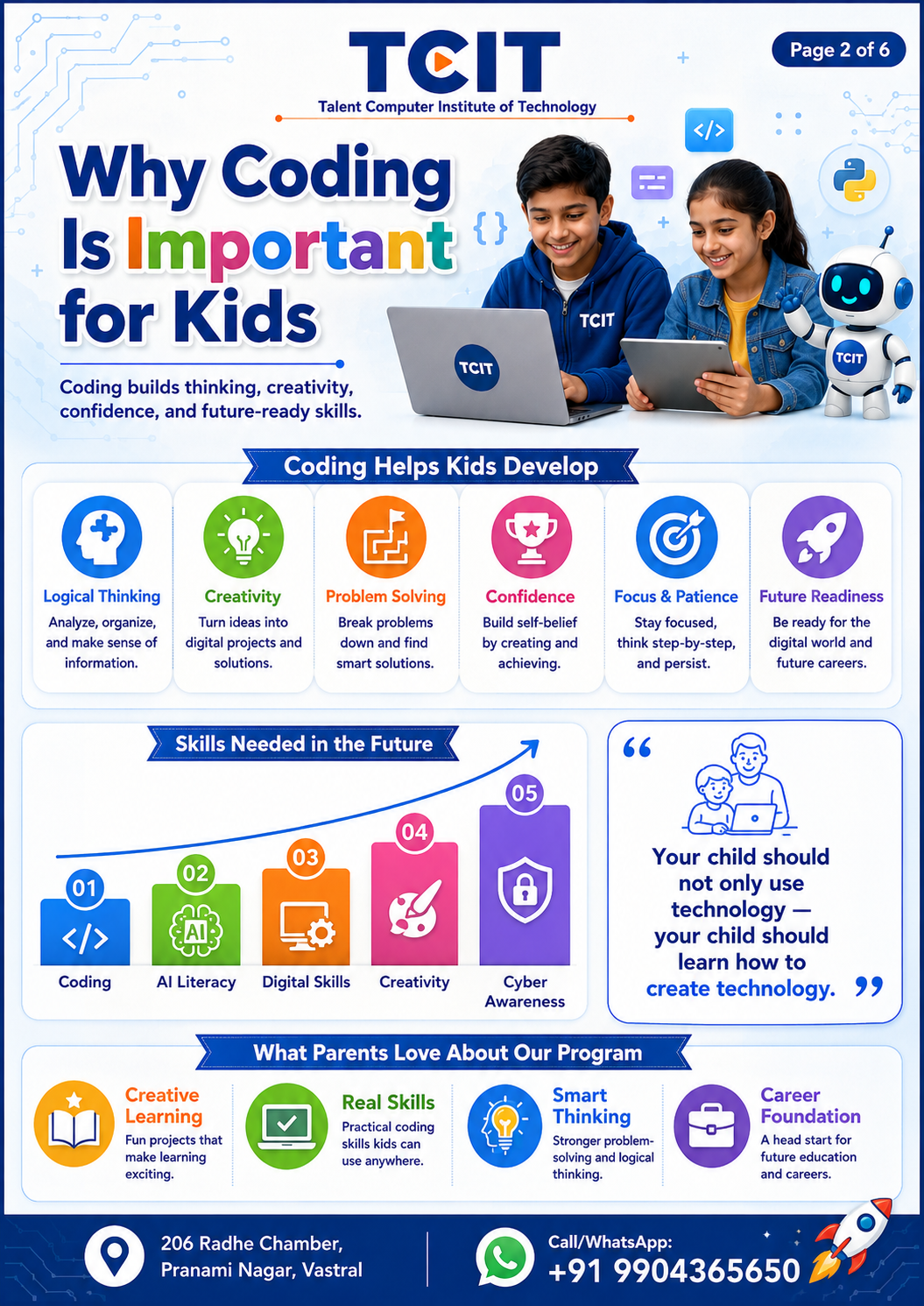
Your child should not only use technology. Your child should learn how to create it.
Coding improves logical thinking, patience, creativity and confidence. It also prepares students for AI, automation, websites, cybersecurity and digital careers.
🧠Logical Thinking
Students learn step-by-step problem solving.
🎨Creativity
They build websites, games and digital projects.
🚀Future Skills
They understand AI, web, cybersecurity and automation.
💬Confidence
They present their work and explain what they built.
Complete Syllabus
Strong foundation + modern technology exposure.
The program is intentionally practical and child-friendly, but serious enough to build a strong IT foundation.
Computer Fundamentals + CCC Basics
Students build basic computer confidence before coding: Windows, file management, typing, internet, email, Google tools and office basics.
- Windows and file management
- Typing and keyboard shortcuts
- Internet, email and Google tools
- Word, Excel and PowerPoint basics
Scratch Programming
Students learn coding logic with visual blocks, animations, stories and simple games before moving to text-based coding.
- Sprites, backdrops and events
- Loops, conditions and variables
- Animations and stories
- Maze, jumping and quiz games
Web Design: HTML, CSS & Bootstrap
Students learn how websites are made using page structure, styling, navigation, responsive layouts and project work.
- HTML structure and page sections
- CSS colors, spacing and layouts
- Navigation, cards and forms
- Mini website and portfolio projects
Python Programming
Students move into real programming using variables, input, conditions, loops, lists, functions and mini problem-solving projects.
- Variables, input and output
- If-else decisions and loops
- Lists, dictionaries and functions
- Marks calculator, quiz and games
AI Awareness + CN + Cyber Safety
Students understand responsible AI use, internet/network basics, cyber safety, privacy and safe digital habits.
- AI basics and prompt awareness
- Internet, Wi-Fi and network basics
- Password, privacy and safe browsing
- Cyber safety activities and poster work
Project Portfolio
Projects that make students proud and confident.
Every module ends with practical output, so students can see their own improvement and build confidence.
Scratch Game
Maze, quiz, apple catch, animation and storytelling games.
Website Project
Personal page, course page, business page and responsive layout.
Python Mini Project
Calculator, marksheet, dice game, password generator and student record.
Cyber Safety Activity
Safe browsing, passwords, scams and awareness presentation.
Course Brochure
Get the TCIT Coding Junior course guide.
Share your enquiry details and our team will guide you with the course roadmap, batch details and brochure.
Preview
What the brochure includes
1-year learning roadmap
Std. 4 to 12 course flow
Projects and portfolio details
Classroom learning approach
For complete details, please send an enquiry. We will help you understand the right learning path for your child.
Send Enquiry to Get BrochureParent FAQ
Common questions answered clearly.
Is TCIT Jr suitable for beginner students?
Yes. Students start from computer fundamentals and then move step by step into Scratch, websites, Python programming and projects.
Which standards can join TCIT Jr coding classes?
The program is designed for school students from Std. 4 to Std. 12 with an age-friendly learning flow.
Will my child make real projects?
Yes. Students make Scratch games, websites, Python mini programs and final portfolio projects.
Where is TCIT Jr located in Ahmedabad?
TCIT Jr is located at 206, Radhe Chamber, Pranami Nagar, Vastral, Ahmedabad.
Does the course include Python for kids?
Yes. Students learn Python basics such as variables, input/output, conditions, loops, lists, functions and mini projects.
Does TCIT Jr teach AI and cyber safety?
Yes. The course introduces AI tools, prompt basics, networking awareness, password safety, phishing awareness and safe internet use.
Visit TCIT Jr
See the learning path, projects and classroom approach in one visit.
A counselling visit helps you understand the course level, batch timing and the right starting point for your child.
Admissions Open
Book a free counselling visit for TCIT Jr coding classes.
Visit TCIT with your child for a friendly course discussion, roadmap explanation and project preview.
📍 204, Radhe Chamber, Pranami Nagar, Vastral, Ahmedabad
📞 +91 6351332238
🎯 For Std. 4 to 12 Students